


Courses and term dates
Subjects, levels, group sizes, lesson times, term dates and holiday closures, taken from your timetable and calendar. When a date changes, you change it in one place.
A chatbot on your website that answers parents and students, then books assessments and open days. Every decision about a child stays with your teachers.
Discuss your chatbot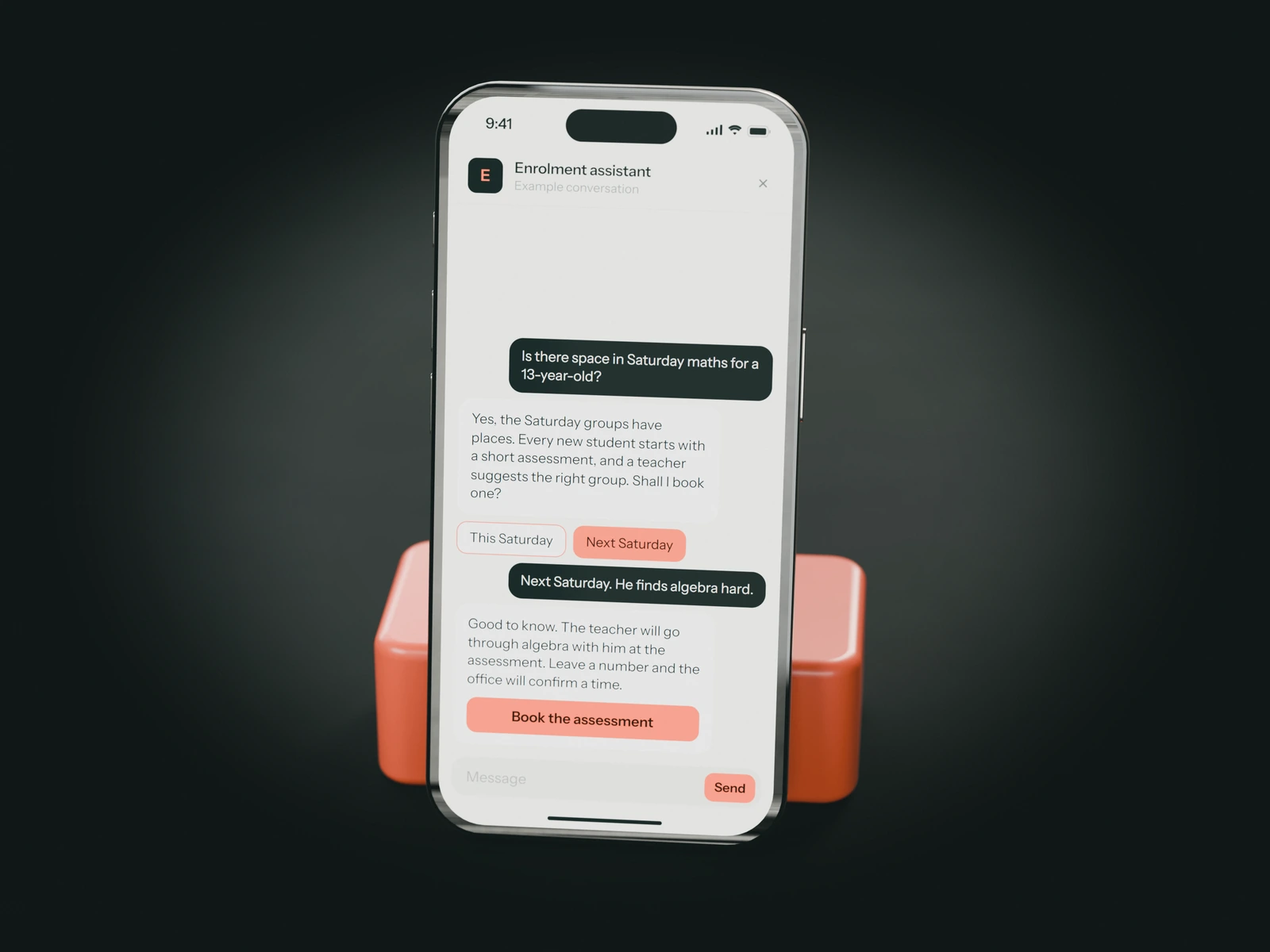
Is there space in Saturday maths, which exams do you prepare for, how big are the groups, can my son try a lesson first, when is the next open day and what happens if we miss a session. Your office answers the same emails every September. The chatbot answers from your own timetable and policies.
Parents write most of them, and the last group always goes to a teacher or the office.
What it may say is written down before we build.
Subjects, levels, group sizes, lesson times, term dates and holiday closures, taken from your timetable and calendar. When a date changes, you change it in one place.
It collects the student's age, school year, subject and preferred times, then sends the request to your office or booking tool. The teacher who meets the student suggests the group.
How to apply, which forms you need, entrance test dates and when places are offered. It books places at open days and tours, and takes a family's details for the waiting list when a group is full.
Your rules on make-up lessons and pausing, plus requests to move group or day, which go to the office to approve.
Fees per term or per lesson, sibling discounts, materials and exam entry charges and how to pay, as your fee schedule states them. Questions about one family's account go to the office, and payment happens on your own payment page or parent portal.
Which platform you teach on, what a student needs at home, camera and microphone rules, and whether lessons are recorded and who can watch the recordings. A lesson link that does not work goes straight to the tutor or the office, whichever you choose.
Easter revision, summer courses and half-term workshops: dates, daily times, year groups, what to bring and your drop-off and collection rules. Places are booked or waitlisted the same way as in term-time groups.
A parent writes on a Sunday evening in June to book the summer maths course for two children. Two of her questions belong to the office.
What your team gets. One booking request for the office: two children with first names and school years, the sibling rate to apply, and notes to set up collection by a grandparent and send the medical form. The allergy goes on that form, not into the booking request.
It does not assess a child, choose their group, predict grades or comment on learning needs or behaviour. Those questions go to a teacher with the chat attached. If a message raises a safeguarding concern, it shows the contact you choose and sends the conversation to that person straight away.
Each enquiry reaches your office with the student's year and subject filled in.
Assessment requests and waiting list names reach your inbox or school management system, where its API allows.
A reminder before an assessment or open day, and a nudge when registration forms are still missing.
Each term brings the same office jobs, and these do them from your timetable and family records where your software's API allows.
Before the term ends, each family gets next term's group and times with a link to keep their place. Families who have not replied by your date are listed for the office before their places go to the waiting list.
When a place opens in a full group, the first family on the waiting list for that subject and year gets an offer with a deadline. If they say no or do not reply, the next family is asked.
When a tutor is ill or the centre closes for snow, the families in the groups affected get a message with the make-up options, and the chatbot's answers about that day change too.
Termly invoices go out on the date you set, with one reminder for unpaid ones, from your accounting or tutoring software where its API allows. Anything a family disputes goes to the office.
Families get a link to book a slot with each teacher, a reminder on the day and the room or video link. Each teacher gets their list of appointments the evening before.
Your office has most of this already, in the timetable, the fee schedule and the parent emails it answers.
Your groups by subject, year and level, with days, times and which ones are full. An export from your school or tutoring software is fine, and we agree who keeps it current.
Which exams and boards you cover, such as GCSE with AQA, the 11+ or the SAT, and the year groups for each, so the chatbot never offers a course you do not run.
Fees, sibling discounts, materials charges, notice periods and refund rules, as written in the terms parents sign. The chatbot quotes those rules exactly.
Safeguarding, collection, missed lessons, online lessons and recordings, as PDFs or links. The chatbot answers from them and links to the full document.
Your safeguarding lead, the office contact for fees and admissions, the person for learning support questions and who covers during school holidays, with how each wants to be told.
Access to the software you use, such as TutorCruncher or Teachworks, or your school's management system, so we can check what its API allows before promising anything.
A term of parent emails with names and children's details removed, September's if you have them. We test the chatbot on those questions before launch.
Parents compare centres on a phone before they call anyone. These are the pages a school or tutoring website needs for that.
One page for each subject and year group or exam, such as GCSE maths or 11+ preparation, with group size, times and fees. Parents search by exam and subject, so these are the pages they find.
Term dates, holiday courses, closures and open days on one page the office updates once. The chatbot reads the same page, so the website and the chatbot give the same dates.
Each tutor's subjects, qualifications and experience, with background checks noted where you publish them. Parents want to know who will sit with their child.
Your safeguarding statement, the name of your safeguarding lead, collection rules and the online lesson policy, on a page parents can reach from every other page.
The parent's name and contact, the child's first name, school year and subject, and nothing more. Medical and consent details come later, on the forms your office sends once a place is confirmed.
A link to the parent portal for invoices, reports and timetables that is easy to find on a phone, so existing families can get them without emailing the office.
Almost every chat with a school or tutoring centre is about a child, but the chatbot is written for parents and guardians. From the parent it needs a name and a way to reply. From the child, a first name, the school year and the subject cover any enquiry. Dates of birth, home addresses, school reports and photos are never asked for.
Children's data has extra protection in law, for example COPPA in the US for children under 13 and the GDPR in Europe. The chatbot's rules are set with that in mind, and you approve them before launch. If a child starts the chat, it answers general questions about courses and asks for a parent or guardian before taking any details.
Conversation logs are kept only as long as you decide, and only the staff you name can read them. Conversations that raise a safeguarding concern go to your safeguarding lead and are kept the way your safeguarding policy says, apart from the general enquiries inbox.
No, it books the assessment or trial lesson, and a teacher decides the group after meeting the student. When parents ask, the chatbot says exactly that.
The chatbot asks only for what an enquiry needs, such as school year and subject. It does not ask about health or learning needs, and if a parent raises them, a member of staff takes over. Storage and access are agreed before the build.
Yes, older students can ask about courses and revision classes. Grades and complaints about a lesson go to the office.
Yes, it asks which centre the family is near and sends the enquiry to that centre's office.
No. It has no access to marks, reports or attendance, and it does not need it. It answers from your courses, dates and policies, and anything about a particular child goes to their teacher with the parent's question attached. Our guide on what a chatbot should hand over has more examples.
Yes. Adults get the same course and level questions, and the rules about parents and guardians apply only to students under the age you set. Placement still happens at your level test, which the chatbot books or sends the link for.
Yes. Open mornings, admissions deadlines, bursary dates, uniform, transport and term dates are the same kind of repeated question. Admissions decisions and bursary assessments stay with your registrar, and the chatbot says so when parents ask.
It explains which exams you enter private candidates for, your deadlines and your fees, and sends the entry form link. Whether you can accept a candidate, and any access arrangements such as extra time, stays with your exams officer.
It describes what each course covers, from your course descriptions. It does not explain topics or check answers, because that is the tutor's job, and a method that differs from your teaching would confuse the student.
A few parent emails and your timetable are enough to start. The consultation is free, over Google Meet, a voice call or text.